
Tips for Adding Interactive Elements to Business Sign Designs
Interactive signage can turn a basic business sign into a useful customer touchpoint. Learn how QR codes, touchscreens, and digital elements can work for San Jose storefronts, offices, restaurants, and service businesses.
Key takeaways
- Interactive signs work best when they add a clear customer action, not just extra technology.
- QR codes and NFC tags give San Jose businesses an affordable way to connect window graphics, wall signs, and lobby signs to menus, booking pages, maps, or promotions.
- Touchscreens are strongest for wayfinding, product browsing, check-in flows, and self-service information in larger retail, medical, hospitality, and office settings.
- Outdoor interactive signage needs practical planning for glare, weather exposure, power, mounting, landlord coordination, and maintenance access.
- Start with one focused interactive element, measure whether customers use it, then expand only where it supports the customer experience.
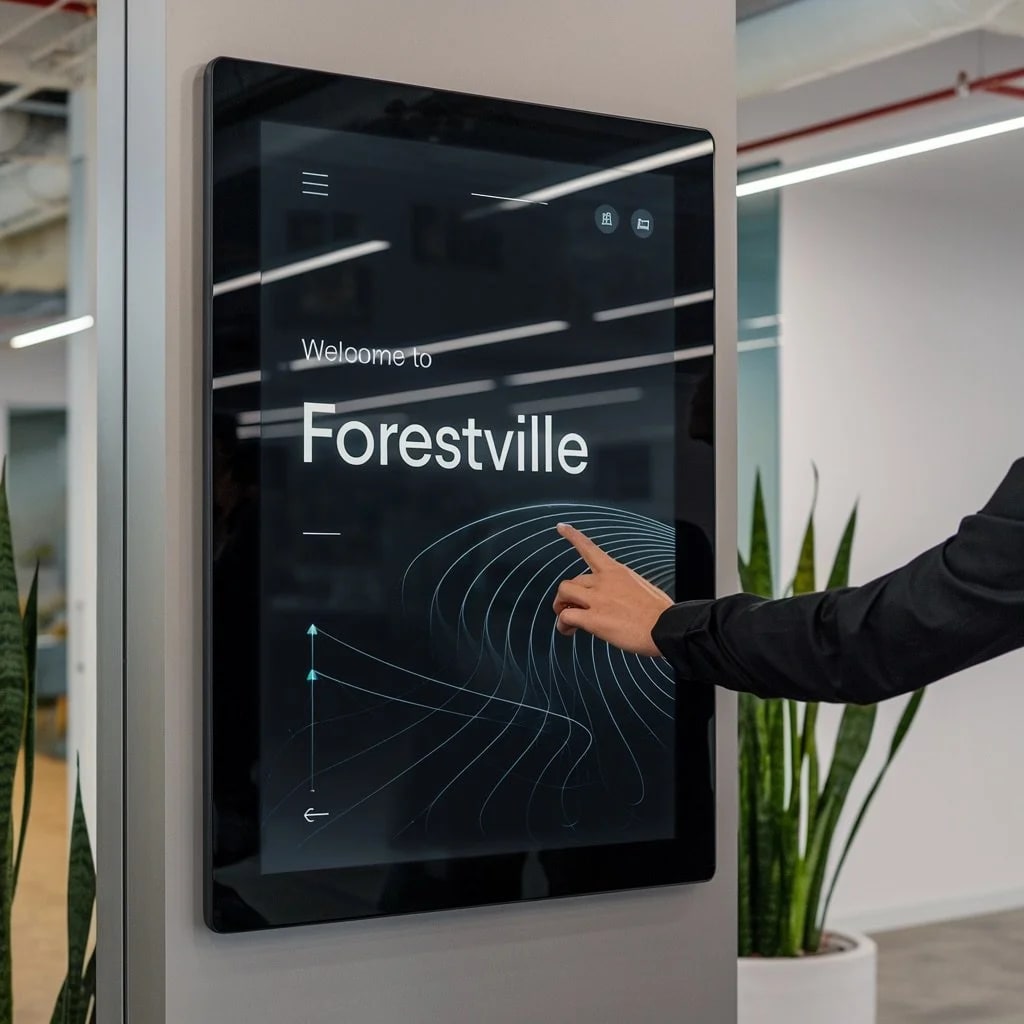
A business sign does not have to stop at a name, logo, and phone number. When interactive elements are used with restraint, a sign can help customers scan a menu, book an appointment, find the right entrance, explore a product line, or get information after hours. The goal is not to make every sign feel like a screen. The goal is to make the sign more useful.
That matters for San Jose businesses because customers move quickly through busy streets, office parks, shopping centers, and mixed-use corridors. A storefront on Santa Clara Street, a cafe near Santana Row, a clinic in Willow Glen, or a service business serving Santa Clara, Sunnyvale, Mountain View, Cupertino, Milpitas, Fremont, and Palo Alto may all need the same thing: clear signage that invites one simple next step. Even a well-placed QR code can turn a standard custom aluminum sign into a useful bridge between the physical storefront and the digital customer journey.
Why do interactive signs outperform static displays?
Interactive signs tend to perform well because they ask the viewer to do something specific. According to industry research from CrownTV, digital signage can draw significantly more attention than static signage. The same principle applies at a smaller scale: when a sign gives someone a clear reason to scan, tap, search, or explore, it earns more attention than copy alone.
The interaction also creates a little more commitment. Someone who scans a code for a lunch menu, taps a directory in a medical office lobby, or uses a screen to compare product options has moved from passive viewing to active engagement. That extra step can improve recall and make the sign feel like part of the service experience rather than background decor.
Interactive signage can also create useful feedback. A San Jose restaurant can see whether customers scan a patio-menu decal. A showroom can track which product category gets the most interest. A professional office can learn whether visitors rely on digital wayfinding or still need front-desk help. Those signals can guide better content, layout, and sign placement.
What types of interactive elements work best for business signs?
The right interactive element depends on the customer task, the installation location, the budget, and how much maintenance your team can realistically handle. These options are common for Bay Area storefronts, offices, restaurants, and commercial spaces:
Touchscreens
Touchscreens are useful when customers need to choose from several paths. They work well for wayfinding in larger buildings, check-in areas at clinics or offices, product browsing in showrooms, and self-service information in hospitality settings. The trade-off is complexity: you need hardware, software, content, power, mounting, cleaning, and a plan for what happens if the screen is down.
QR codes and NFC tags
QR codes and NFC tags are the easiest starting point because customers use their own phones. A QR code on a window sign can link to a menu, booking system, parking instructions, project portfolio, intake form, or seasonal promotion. NFC tags work in a similar way with a tap. Both can be useful for restaurants, fitness studios, salons, clinics, retail shops, real estate offices, and contractors who want interactivity without installing a digital display.
Motion sensors
Motion-triggered signs change content, light up, or play a short prompt when someone approaches. They can help a retail display, trade counter, showroom wall, or lobby feature stand out. Use them carefully in high-traffic areas. If a sign triggers constantly, the effect can become distracting for staff and customers.
Augmented reality (AR)
AR adds digital content over the physical world through a phone camera. It can help customers preview products, explore a space, or unlock extra content from a wall graphic or window display. AR is more involved than adding a QR code, so it makes the most sense when the experience supports a real sales or education goal.
Social media integration
Digital displays can feature social content, event updates, or branded hashtags when that fits the business. Cafes, bars, gyms, studios, and event spaces sometimes use screens to encourage customer posts or highlight current programming. Keep moderation and content ownership in mind before displaying live feeds in a public space.
How should you design interactive signs for best results?
The technology is only one part of the sign. The design has to make the interaction obvious, quick, and worth the customer's time.
Keep instructions obvious. Never assume customers know what the sign does. A touchscreen needs a clear prompt like "Tap to explore." A QR code needs short nearby copy such as "Scan for menu," "Scan to book," or "Scan for project photos." If the action is unclear, many people will walk past.
Prioritize speed. Touchscreens should respond quickly, and QR-linked pages should load fast on mobile. Customers in line at a quick-service restaurant, waiting outside a studio, or walking through a shopping center will not spend long troubleshooting a slow interaction.
Limit options. Too many choices make the sign harder to use. Focus each interactive element on one or two actions. A kiosk that helps customers find a department is stronger than one that also asks for a survey, newsletter signup, event RSVP, and loyalty enrollment all at once.
Match the environment. A sign facing afternoon sun in San Jose has different needs than a lobby screen in Palo Alto or a window graphic in Mountain View. Outdoor displays may need glare control, weather-rated hardware, secure mounting, and maintenance access. Busy storefronts need simple interactions. Quieter interiors can support deeper browsing. Our installation team can help evaluate site conditions before you commit to a particular technology.
Design the static sign first. The sign should still work if the customer never scans, taps, or clicks. Your name, offer, directional cue, or primary message needs to be legible from the right distance. Interactive features should support that message, not bury it.
What challenges should you plan for?
Interactive signage adds a few practical considerations that static signage usually does not:
Technical reliability. Touchscreens can freeze, software can crash, and network connections can drop. Plan for downtime. At minimum, the display should have a fallback message or the physical sign should still communicate the essential information.
User comfort. Some customers avoid public touchscreens or do not want to spend time with a digital interface. Offer a simpler path, such as a printed QR code, staff assistance, or a standard directional sign.
Higher costs. Interactive signs usually cost more to produce, install, and maintain than static signage. Put the investment where it will support a high-value action: getting visitors to the right suite, moving restaurant orders faster, helping customers understand products, or capturing qualified project inquiries.
Content updates. Interactive displays and QR-linked pages need current content. Old hours, expired offers, broken links, or outdated product information can make the whole sign feel neglected. Decide who owns updates before the sign is installed.
Property and installation coordination. Many commercial spaces require landlord approval, building coordination, or review of mounting methods before a sign goes up. That is especially important for exterior displays, electrical signs, shared shopping centers, and office properties. Start those conversations early so the interactive idea fits the site instead of fighting it.
What trends are shaping interactive signage now?
According to Digital Signage Today's industry analysis, several developments continue to shape what businesses expect from digital and interactive signage:
Smarter content scheduling. Digital signs can rotate content by time of day, service line, season, or customer flow. A coffee shop might feature breakfast items in the morning and patio specials later in the day. A clinic might switch between check-in instructions, wayfinding, and appointment reminders.
Hands-free interaction. Voice prompts, QR codes, and phone-based interactions can reduce reliance on shared touchscreens. That can be useful in medical settings, food service, fitness studios, and other environments where hands-free or personal-device interaction feels more comfortable.
Energy and material awareness. Many Bay Area businesses want signage that looks modern without wasting energy or creating unnecessary replacement cycles. That may mean using a durable static sign with a small interactive layer, choosing efficient displays, or designing content that can be updated without remaking the whole sign.
Connected operations. Some signs can connect to inventory systems, booking tools, event calendars, or internal dashboards. The best use cases are practical: showing available appointments, highlighting current products, directing visitors to the right pickup area, or updating event information without reprinting graphics.
How do you get started with interactive signage?
Start with the customer action. Do you want people to order, book, navigate, browse, request a quote, join a waitlist, or learn about a product? Once the action is clear, choose the simplest interactive element that supports it.
For many San Jose businesses, that first step is a QR code on a window decal, lobby sign, wall graphic, or counter sign. Track scan rates and ask staff what customers actually do. If the interaction proves useful, then consider a single touchscreen, digital display, or more advanced experience in the highest-traffic location.
Ready to explore interactive options for a San Jose or South Bay business? Start your project with San Jo Sign Co. We can help you match the right interactive layer to your space, budget, sign type, and customer flow, whether that means simple QR integration with traditional signage or a more involved digital display installation.
FAQ
What are the most affordable interactive sign options?
QR codes and NFC tags are usually the most affordable way to add interactivity. They can be printed on window decals, wall signs, counter signs, or lobby graphics and linked to a menu, booking page, product guide, map, or current offer. They are especially practical for restaurants, salons, clinics, showrooms, and service businesses around San Jose.
How much do touchscreen kiosks cost for businesses?
Costs vary widely based on screen size, enclosure, mounting, software, content, power access, and whether the display is indoors or outdoors. A simple indoor touchscreen is a different project than a weather-rated exterior kiosk. Before pricing one, define the customer task first: wayfinding, check-in, product lookup, menu browsing, or lead capture.
Do interactive signs work for outdoor locations?
Yes, but outdoor interactive signs need more planning than indoor signs. In San Jose and the South Bay, consider sun glare, heat, rain exposure, dust, power access, pedestrian flow, vandal resistance, and how the sign will be serviced. Sometimes the best outdoor solution is a durable static sign with a QR code that sends customers to the interactive experience on their own phone.
What maintenance do interactive signs require?
Touchscreens and digital displays need regular cleaning, software updates, content reviews, and occasional hardware service. QR codes require less physical maintenance, but the linked page must stay current. Build maintenance into the project from the start so a modern-looking sign does not point to outdated hours, expired offers, or broken pages.